A familiar view.
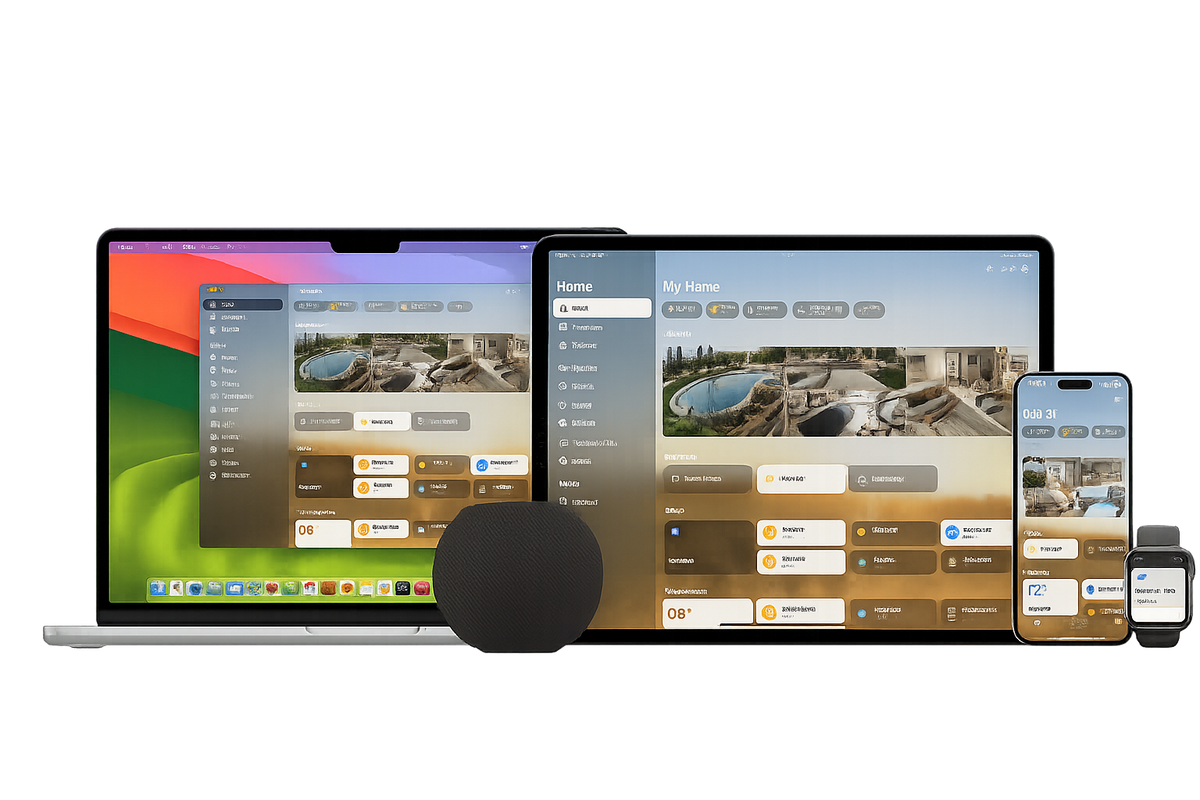
See and control compatible accessories in the Home app on your iPhone, iPad, Mac or Apple Watch.

Lunar Tech · Apple Home
Bring compatible Aqara devices together in Apple Home. A familiar way to control your space, thoughtfully selected and supported by Lunar Tech.
A home that feels like you
Start with one room or bring your whole home together. Choose the moments you want to improve, then build around them.
See and control compatible accessories in the Home app on your iPhone, iPad, Mac or Apple Watch.
Adjust compatible lights or activate a scene with your voice. Small requests can make everyday routines easier.
Bring several accessories into a scene, then choose the settings that make a room feel right for you.
Discover what is possible
Apple home key
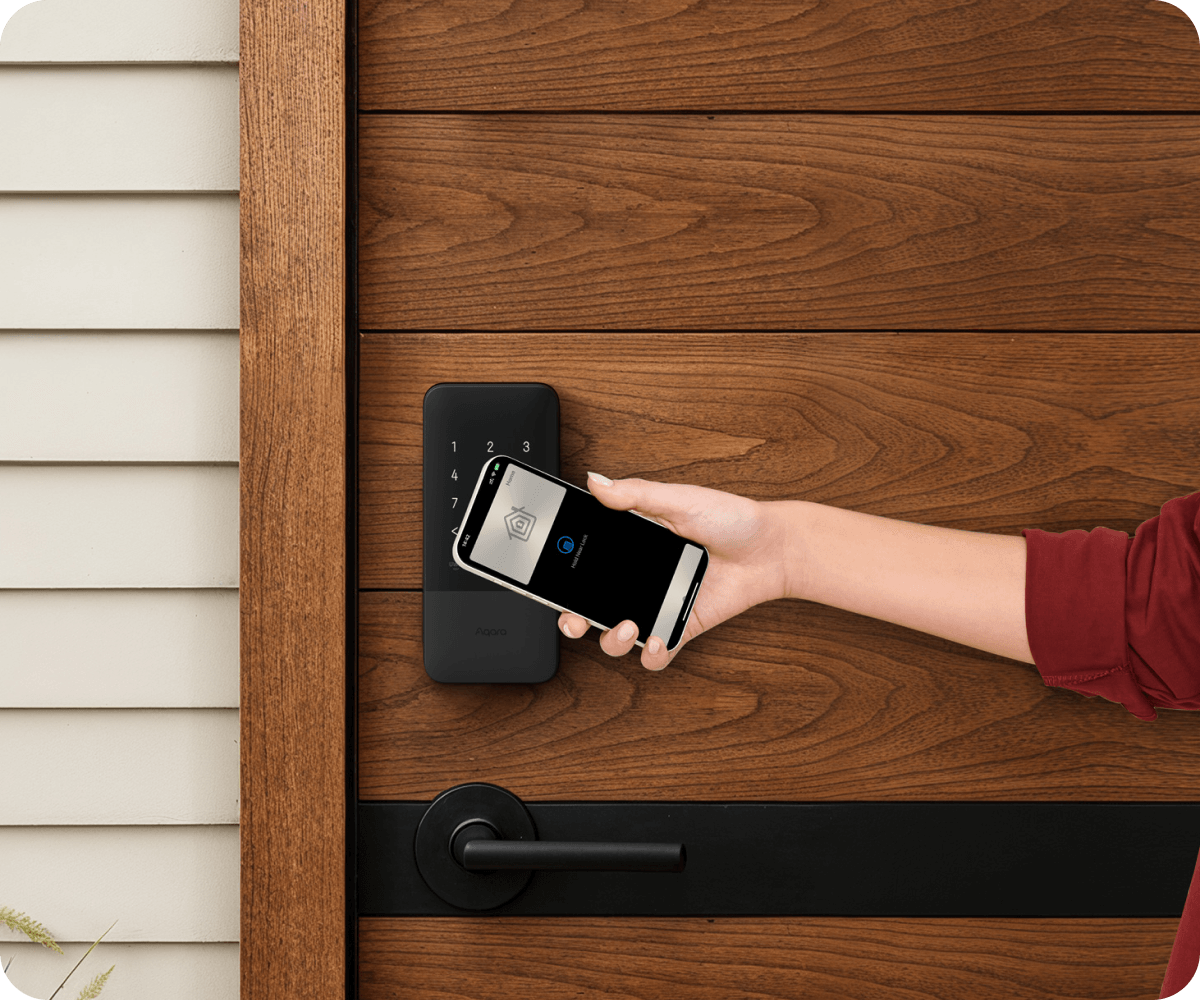
Unlock supported Aqara locks with a home key in Apple Wallet on a compatible iPhone or Apple Watch.
Home key is available on selected locks, including the U300 and U400. Check the model and Apple device requirements before choosing.
Discover smart locks ↗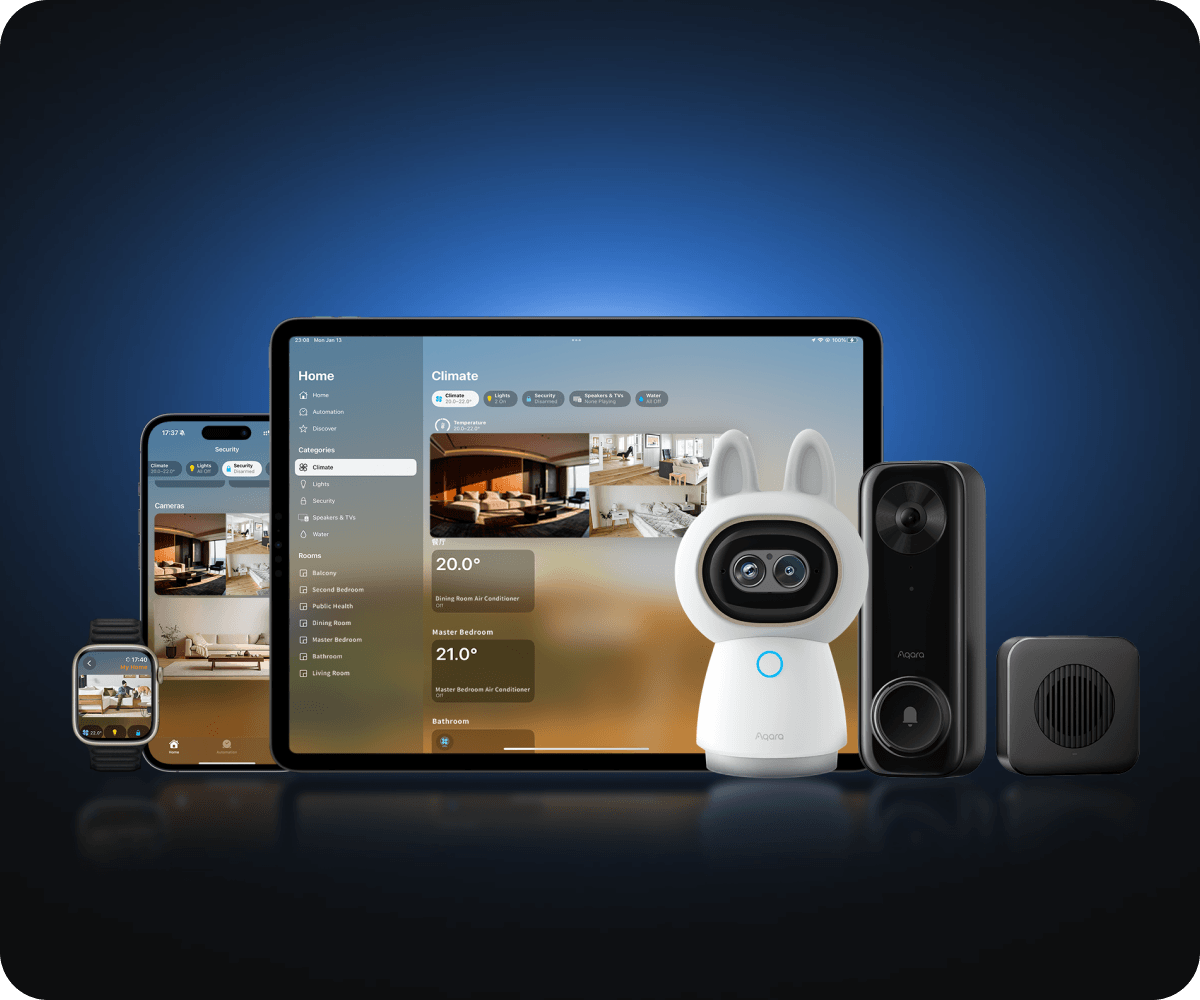
HomeKit Secure Video
View supported cameras in the Home app. With HomeKit Secure Video, recordings are encrypted and stored in iCloud.
Recording requires a compatible camera, an Apple home hub and an iCloud+ plan. Camera limits depend on your plan; features vary by model.
Explore cameras ↗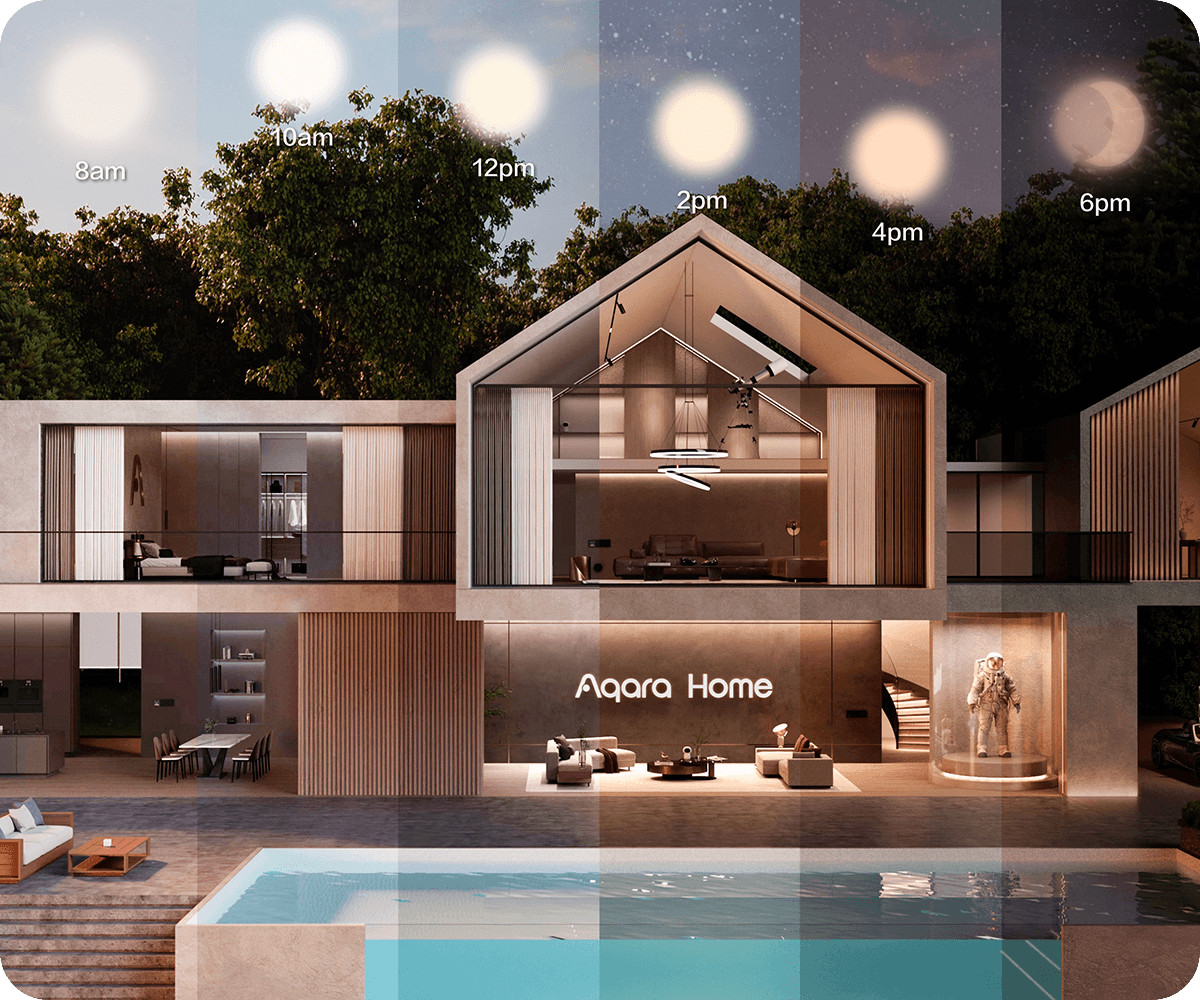
Adaptive Lighting
Supported lights can shift colour temperature throughout the day with Adaptive Lighting in Apple Home.
Support depends on the light, firmware and connection method. Check the individual product before purchase.
Find your lighting ↗Imagine your day
Imagine the curtains opening and your bedside light welcoming a new day.
Bring the lights down and close the curtains with a scene you have made your own.
Switch off selected lights and check your compatible lock in the Home app before bed.
Illustrative scenes. Compatible accessories and setup are required. Automations and remote access require an Apple home hub.
Start with the right foundation
Check Apple Home support for each model and decide which room or routine to start with.
Use an Apple home hub for automations and remote access. Aqara Zigbee accessories also need a compatible Aqara hub.
Follow the product instructions, then add the accessory or bridge in the Home app using its setup code.
Name your rooms, organise accessories and build your first scene. Keep software and firmware up to date.
A little clarity
No. Compatibility and available features depend on the model, region, firmware and connection method. Check each product listing and manufacturer requirements.
They serve different roles. Aqara Zigbee devices connect through a compatible Aqara hub. An Apple home hub enables remote control and automations. Other accessories may connect over Wi-Fi or Matter over Thread. Thread support depends on your Apple devices and network; some supported iPhones can manage Thread accessories locally. Plan the setup around the exact products you choose.
Yes. Aqara Home can provide firmware updates, device settings and features that are not exposed in Apple Home. Available options depend on the product.
An iCloud+ plan is required to record with HomeKit Secure Video. The number of supported cameras depends on your plan. It is not a general subscription requirement for controlling lights and other accessories in Apple Home.
We help you choose a suitable setup for your space in Suriname or Guyana, from your first device to a connected property. Professional installation is available at an additional cost; ask for a quote tailored to your project.
Bring it home with Lunar Tech
Explore our range and choose the products that fit the way you live. Check Apple Home compatibility on each product.
Feature availability varies by product, region and software version. Apple, Apple Home, HomeKit, Siri, iPhone, iPad, Mac, Apple Watch and Apple Wallet are trademarks of Apple Inc. Product imagery: Aqara. Learn more in Aqara’s Apple Home guide, Apple’s Matter setup guide and Apple’s Secure Video guide.